



















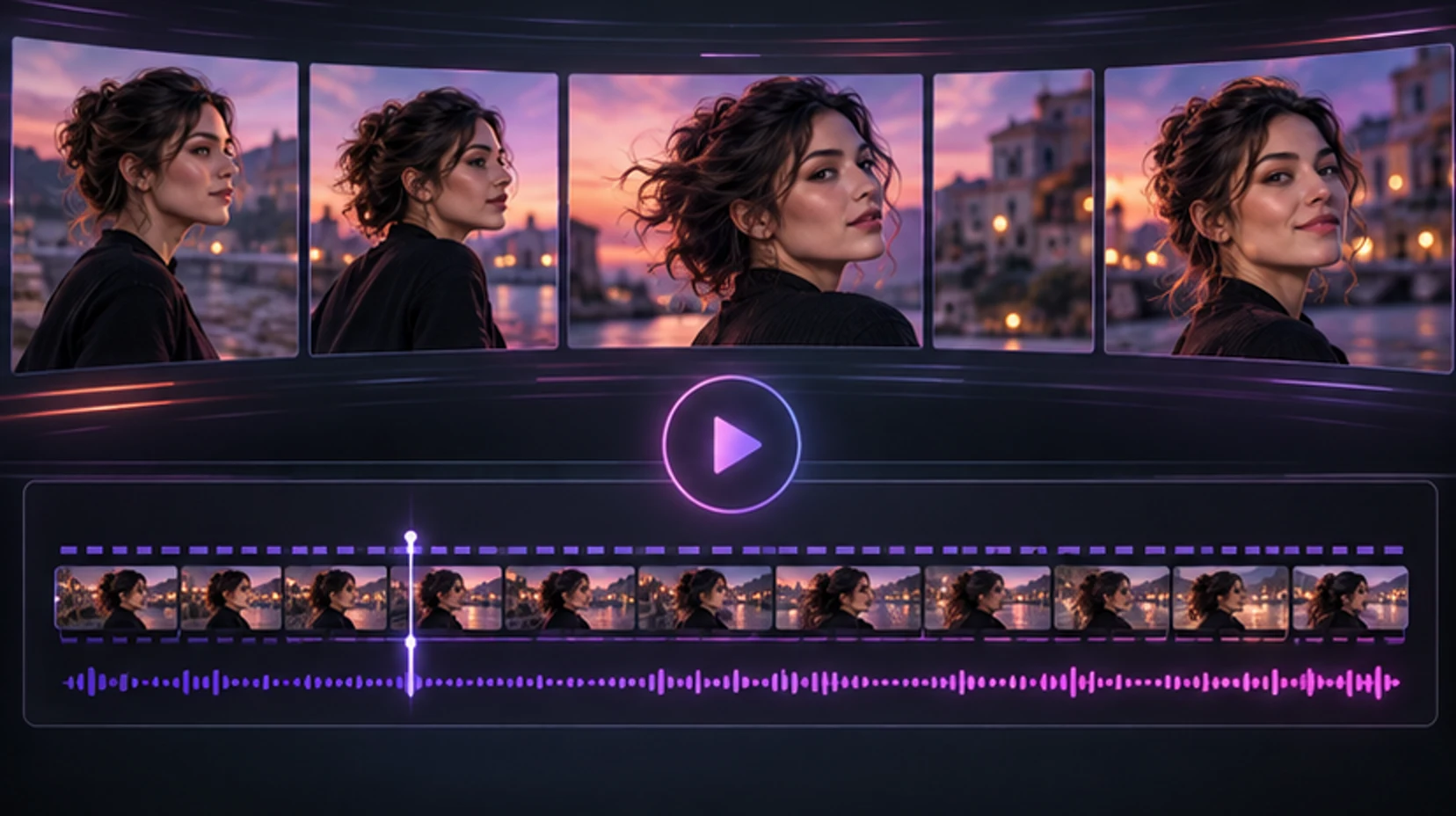
An AI girlfriend video generator turns a still character into a short moving scene. The appealing part is obvious: a companion who has existed as text and photos can appear to smile, turn, walk, or react inside a setting you choose. The difficult part is continuity. A convincing still image only needs to work once. Video must keep the same face, body, clothing, lighting, and physical space coherent across many frames.
This guide explains the workflow without pretending every prompt produces a perfect clip. It is for fictional adult characters. It does not endorse non-consensual intimate imagery, celebrity deepfakes, or sexualized depictions of anyone under 18. If your idea depends on a real person's likeness, stop and obtain explicit permission, or create an original character instead.
You can browse fictional adult companions, design an original companion, or check current media access and credits before generating.
Know what the generator is actually doing
Most companion-video workflows begin in one of three ways:
- Text to video: a prompt defines the subject, scene, camera, and movement from scratch.
- Image to video: a reference image anchors the first frame or visual identity, while a prompt describes motion.
- Conversation to video: a chat request is converted into an image-to-video job using the current companion as reference.
For a recurring companion, image-to-video is usually the useful mental model. The system is not filming a persistent 3D person hidden behind the chat. It estimates motion and new frames from the provided visual and instructions. That is why a reference image can help yet cannot guarantee perfect identity.
A generated clip is also not the same as a live video call. Generation happens as a job: submit, process, deliver. A call is interactive and latency-sensitive. A product may offer one, both, or an animated avatar that looks like video without generating a new scene. Ask which experience you are buying.
The C2PA describes provenance as facts about an asset's origin and edit history and maintains a technical standard for Content Credentials. Adoption varies, so you cannot assume every generated clip carries durable provenance metadata. When you publish synthetic media, label it clearly even if the file has no credential. See the C2PA explainer and current specifications.
Start from the strongest reference image
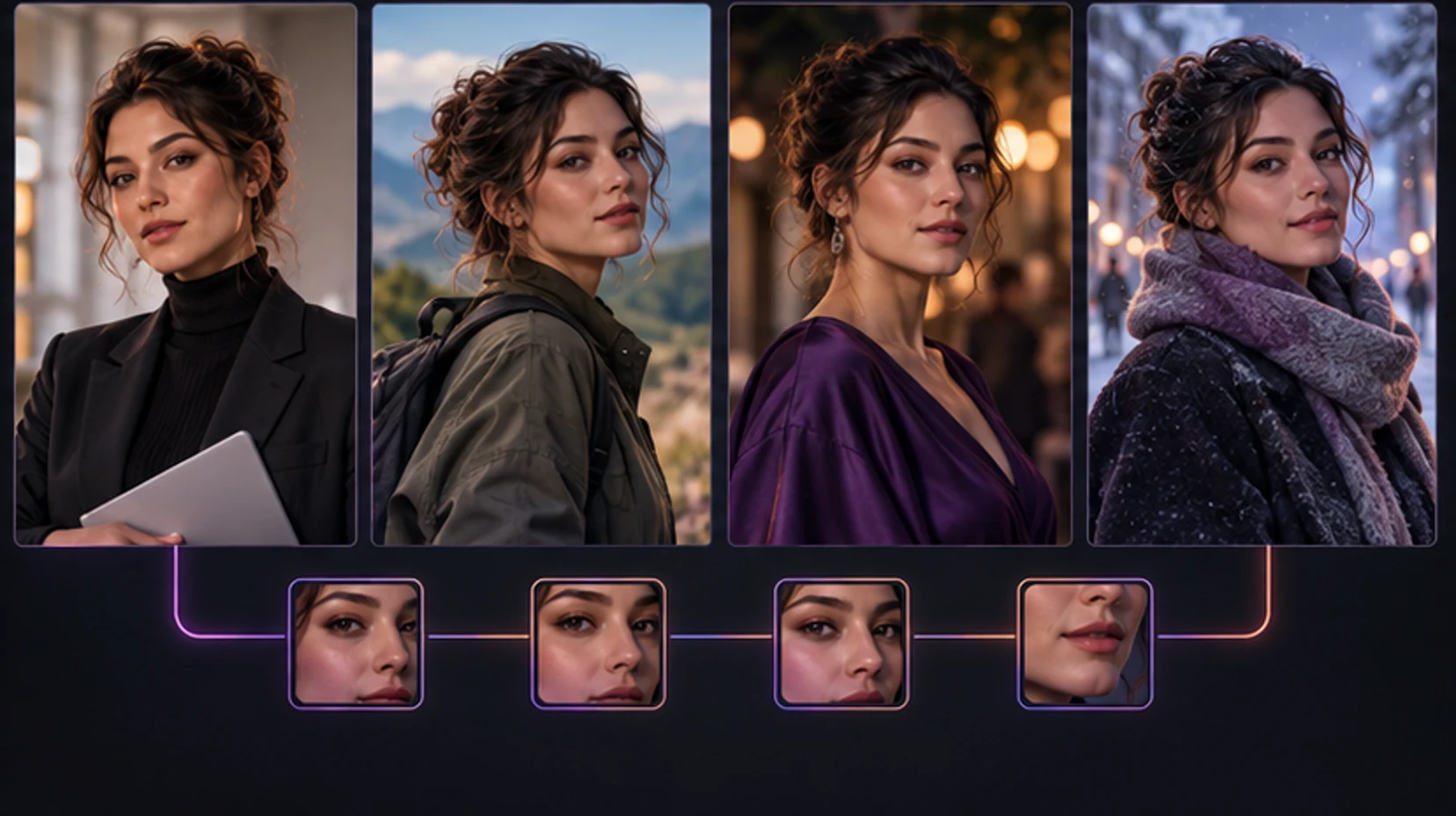
Video quality begins before the video prompt. Choose a source image that gives the model clear information.
Use a reference with:
- One clearly visible fictional adult character
- A face large enough to resolve eyes, mouth, jaw, and hairline
- Natural anatomy and a pose that could plausibly move
- Consistent lighting across face and body
- Hands either visible and cleanly formed or outside the important action
- No large text, watermark, UI overlay, or busy foreground obstruction
- Clothing and accessories you are willing to keep throughout the clip
Avoid beginning with an image where hair covers most of the face, fingers cross the mouth, limbs are cropped at joints, or mirrors show contradictory angles. Video tends to amplify unresolved ambiguity. If an earring already differs between sides or a hand is malformed, movement rarely repairs it.
Match the frame to the motion. A close portrait is suitable for a glance, smile, breath, or small head turn. A waist-up image supports gestures and posture changes. A full-body image is better for walking but gives the face fewer pixels. Do not ask a tight headshot to become a complex full-body dance unless the tool explicitly supports large reframing.
If you created the companion in MyWifu, use the clearest existing character image as the anchor. Create a companion with stable visual traits first; video is easier after the identity is established.
Write a prompt the motion model can follow
A strong video prompt is a shot direction, not a biography. The model already receives visual information from the reference. Tell it what changes and what stays calm.
Use this structure:
Subject continuity + one primary action + camera + environment motion + light + mood
Example:
The same adult woman looks toward the camera, gives a slow playful smile, and brushes one strand of hair behind her ear. Locked medium close-up, subtle handheld breathing, city lights softly flickering behind her, warm pink evening light, intimate and natural.
Why it works:
- “The same adult woman” reinforces continuity without inventing a new subject.
- One primary movement gives the clip a clear job.
- The camera instruction limits surprise zooms and cuts.
- Background motion is small and believable.
- Lighting and mood support the source rather than fighting it.
Compare that with: “She runs to the balcony, changes clothes, spins, pours wine, dances, the camera circles her, fireworks explode, then extreme close-up.” A short generation cannot stage six scenes reliably. The result may skip actions, merge objects, or distort anatomy.
Prompt templates for common companion clips
Flirty portrait:
The same fictional adult woman holds eye contact, tilts her head slightly, and smiles as if about to share a secret. Static portrait camera, soft breathing and natural blinking, warm bedroom lamps, shallow depth of field.
Morning message:
The same fictional adult woman sits by a bright window, lifts a mug, and gives a sleepy affectionate smile. Gentle push-in, curtain moving lightly in the breeze, soft morning light, relaxed candid mood.
Evening date:
The same fictional adult woman turns toward the camera at a rooftop table and raises her glass in a small toast. Stable waist-up framing, distant city bokeh, subtle wind in her hair, elegant evening light.
Confident fashion shot:
The same fictional adult woman takes two slow steps toward the camera and settles into a confident pose. Smooth backward tracking shot, fabric moving naturally, clean studio lighting, polished editorial mood.
For mature scenes, keep the same production logic: adults only, one action, physically plausible pose, controlled camera. More explicit wording does not solve weak anatomy or overloaded choreography.
Control camera movement before adding body movement
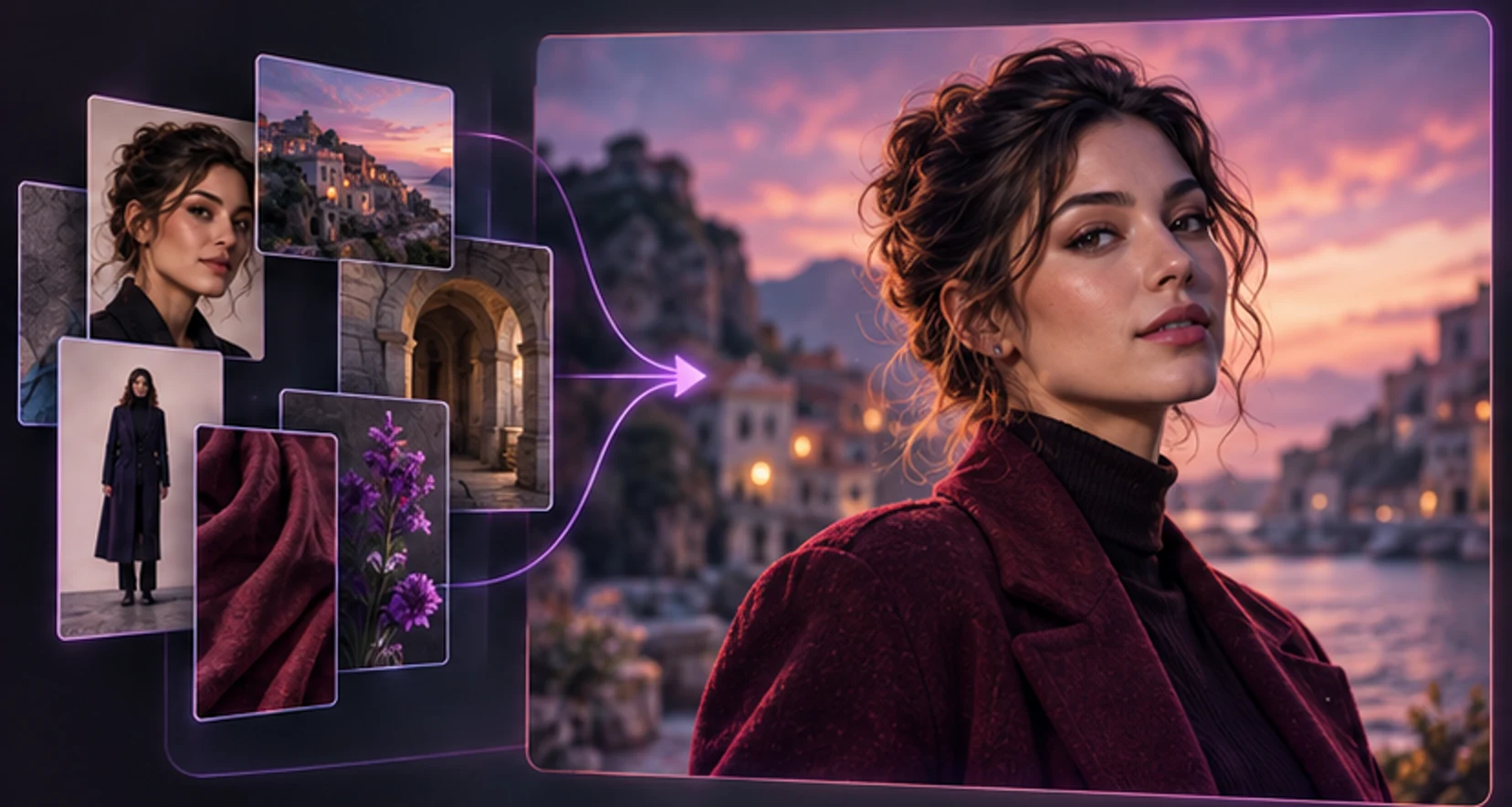
Camera and subject motion compete for the model's attention. Begin with one of these:
| Camera instruction | Best for | Risk level |
|---|---|---|
| Locked camera | Face, expression, breathing, small gestures | Lowest |
| Slow push-in | Intimacy and emphasis | Low |
| Gentle pull-back | Revealing outfit or setting | Low to medium |
| Smooth side track | Walking or fashion motion | Medium |
| Handheld | Candid energy | Medium; can look jittery |
| Orbit around subject | Dramatic spatial reveal | High; face and body may drift |
| Rapid zoom/cuts | Music-video energy | High; continuity often suffers |
If identity matters, a locked shot or slow push-in is the best first attempt. Once the face remains stable, add a restrained gesture. Only then try walking, turning, or camera tracking.
Avoid “cinematic” as a substitute for direction. Cinematic could mean anamorphic flare, shallow focus, dramatic contrast, a crane move, letterboxing, or simply expensive-looking light. Say what you mean: “slow push-in, 50mm portrait feel, warm practical lights, shallow depth of field.”
Aspect ratio matters too. A vertical frame suits a phone-style message or portrait. Wide frames give the model more environment to maintain. Choose the publishing destination first so you do not crop important motion afterward.
Reduce identity drift, anatomy errors, and object glitches
Identity drift is any visible change that makes the character stop feeling like the same person: eye color shifts, jaw shape changes, hair length jumps, apparent age varies, or body proportions morph. Some drift is inherent to generation, but your choices can reduce it.
Use a consistency checklist:
- Keep the face unobstructed during the main action.
- Avoid a complete turn away from camera on the first attempt.
- Name two or three distinctive stable traits, not ten.
- Keep lighting close to the reference.
- Do not request an outfit change inside one clip.
- Avoid reflections until the base shot works.
- Limit interaction with small objects and other bodies.
- Regenerate from the best original reference, not from a degraded video frame.
Hands are especially fragile because fingers articulate, overlap, grip objects, and move across the body. Start with hands resting naturally or performing one simple gesture. Pouring a drink, fastening jewelry, typing, and intertwined fingers each introduce multiple contact constraints.
Hair is another continuity test. Long loose hair can merge with shoulders or change length during a turn. Ask for “subtle movement” rather than violent wind. Earrings, thin straps, glasses, and necklaces may flicker because they occupy few pixels.
For intimate adult content, anatomy and contact become harder, not easier. Multiple subjects, occlusion, unusual angles, and rapid movement raise the chance of implausible bodies. A responsible workflow rejects unusable output, does not publish it as “real,” and never maps a fictional result onto a real person's identity.
Judge a clip frame by frame before saving it
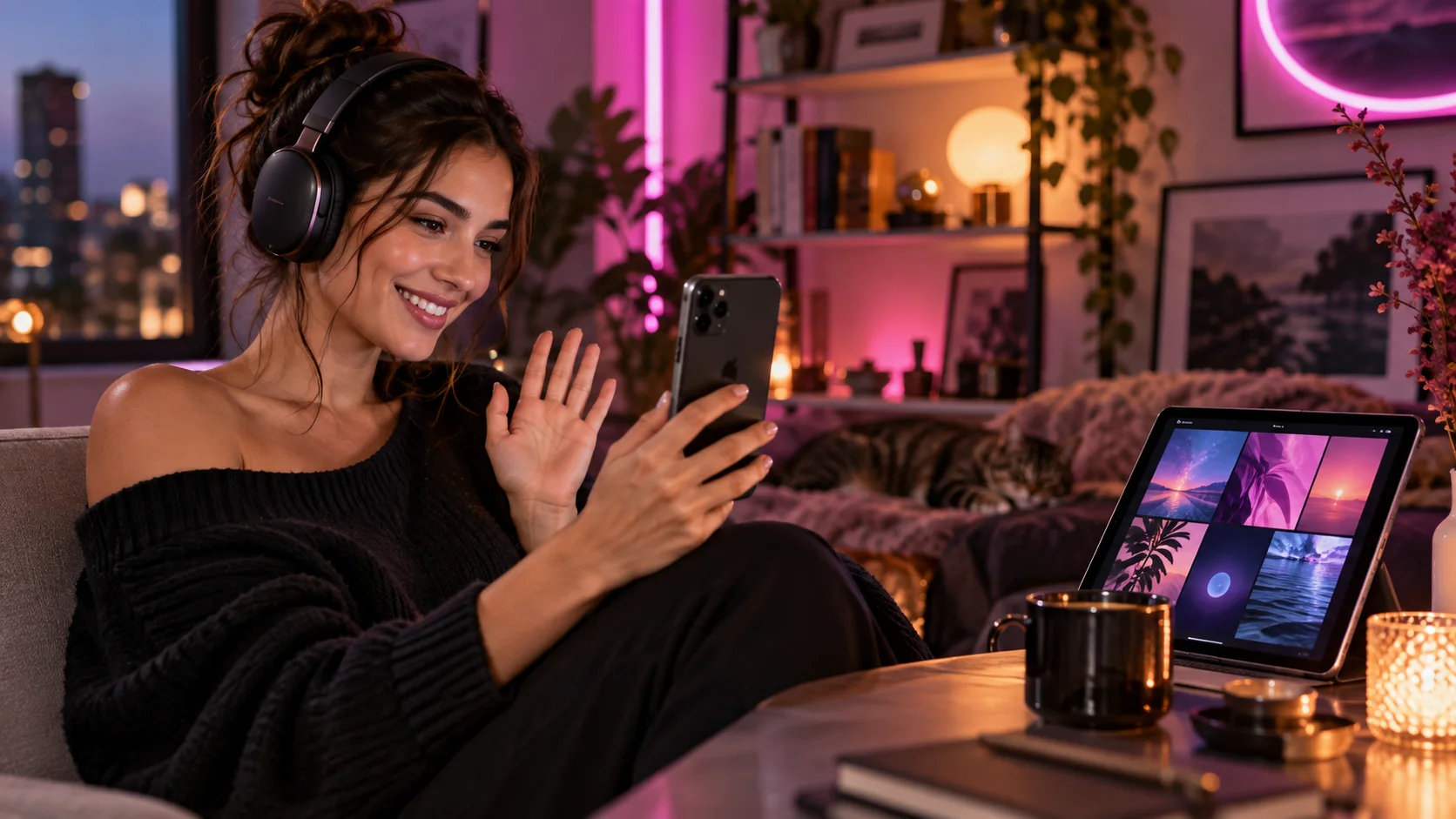
Do not judge only the first second. Watch once for feeling, once for identity, and once for physics.
Identity pass
- Does the face remain the same apparent person?
- Do hair, eye color, age, and defining features persist?
- Does the body remain proportionate?
- Does clothing stay attached and consistent?
Motion pass
- Does the action have a natural start and finish?
- Do shoulders, elbows, wrists, hips, and knees move plausibly?
- Do feet slide or disappear?
- Does the camera move smoothly rather than teleport?
Scene pass
- Do furniture and walls remain stable?
- Do cups, straps, jewelry, or phones change shape?
- Are shadows and reflections consistent?
- Does background motion distract from the subject?
Delivery pass
- Is the aspect ratio correct?
- Is the clip clearly identified as synthetic when shared?
- Is there audio, and if so, is it expected and licensed?
- Does the file expose metadata or a filename you do not want to publish?
A useful clip does not require microscopic perfection, but it should survive normal playback without a distracting identity change or anatomical glitch. If the error appears for only two frames, trimming may help. If the face changes throughout, return to the reference and simplify the motion.
Protect consent, privacy, and provenance
An original adult companion is safer than a synthetic copy of a real person. Never use a private person's face, body, voice, intimate photo, or identifying traits for sexualized generation without explicit permission. Public visibility is not consent. Celebrity status is not consent. A past relationship is not consent.
Keep these boundaries:
- Every depicted character must be unambiguously 18 or older.
- Do not use school-age framing, age ambiguity, or “barely legal” cues.
- Do not create coercive, exploitative, or non-consensual real-person material.
- Do not present generated footage as evidence of a real event.
- Do not use synthetic media to harass, extort, impersonate, or deceive.
- Follow the service rules and laws that apply where you live.
The FTC's inquiry into AI companion chatbots highlights age restrictions, data handling, disclosures, and the handling of sexual themes involving minors as areas of regulatory concern. See the FTC companion-chatbot inquiry. The NIST Generative AI Profile is a broader voluntary risk-management resource for developers and operators; it emphasizes managing generative risks across the lifecycle rather than assuming output is trustworthy because it looks polished. See the NIST Generative AI Profile.
For your own privacy, omit legal names, locations, employer details, private photos, and third-party secrets from prompts. The UK's ICO guidance explains that data minimization means processing only the personal data needed for the purpose. That is a sensible personal habit even when a specific privacy law does not apply to you. See the ICO guidance on AI security and data minimization.
Budget generation time and credits realistically
Video costs more compute than text and usually more than a still image. That does not tell you the retail price: providers package subscriptions, credits, durations, and queues differently. Check the live MyWifu plans page for current access and do the same for any other tool.
Before generating, ask:
- What is the clip duration and resolution?
- Does one request consume a fixed number of credits?
- Are failed jobs retried or refunded?
- Can I leave the page while the job runs?
- Does the result remain in chat or a gallery?
- Can I delete it?
- Does priority processing depend on plan?
Use a three-pass budget. Pass one proves identity with low movement. Pass two improves expression and camera. Pass three attempts the ambitious version. If pass one fails badly, do not spend five retries on the same overloaded prompt. Fix the reference or simplify the shot.
Separate “queue time” from fake suspense. A service should show that work is processing and eventually report success or failure. No article can promise an exact generation time because load, duration, provider capacity, retries, and moderation checks vary.
A complete first-video workflow
- Choose a companion or create an original fictional adult.
- Pick a clean, well-lit reference that matches the desired framing.
- Choose one action and one camera behavior.
- Write a prompt under roughly two or three focused sentences.
- Confirm the current credit cost and generation rules.
- Generate the simplest version first.
- Review identity, motion, anatomy, scene stability, and delivery.
- Change one variable at a time: motion, camera, or environment.
- Save only a result you would be comfortable labeling as AI-generated.
- Delete failed or unwanted media according to the service controls.
Troubleshoot the result by symptom
When a clip fails, rewrite the cause rather than decorating the prompt with “high quality” ten times.
| Symptom | Likely pressure point | Next attempt |
|---|---|---|
| Face changes midway | Turn, occlusion, weak reference, large camera move | Lock the camera, keep face visible, use a closer source |
| Character becomes younger | Ambiguous source or age cues | Use an unmistakably adult anchor and explicit adult age; reject uncertain output |
| Hands melt into an object | Complex grip or hand crossing body | Remove the prop or ask for one open-hand gesture |
| Clothing flickers | Thin straps, layered fabric, body turn | Use a simpler outfit and smaller movement |
| Background bends | Camera orbit or busy architecture | Use a static camera and shallow-focus background |
| Motion looks frozen | Prompt describes mood but no action | Add one visible verb and a clear start state |
| Motion is frantic | Too many verbs or vague “dynamic” request | Keep one action and specify slow, restrained timing |
| Clip ends abruptly | Action cannot finish within duration | Ask for a smaller action with a natural held ending |
Change one factor per retry. If you change source, camera, action, wardrobe, and light together, you cannot learn which condition mattered.
For a face that drifts only near the end, shorten the conceptual action: “begins to smile and holds eye contact” rather than “smiles, laughs, turns away, then looks back.” For a body that warps during walking, reduce the distance and use a waist-up track. For a prop that changes shape, remove it until the character motion works.
Negative prompts, where supported, can name defects such as extra limbs, text, watermarks, sudden cuts, or identity change. They are guardrails, not repairs. A positive physical plan remains necessary.
Plan a small sequence instead of one impossible clip
If you want a richer moment, divide it into shots. A three-shot date sequence might be:
- Wide establishing image of a rooftop table at sunset.
- Medium clip of the companion turning and raising a glass.
- Close clip of a small smile and direct eye contact.
Each shot has one scale and one action. You can generate them from consistent references, then edit them together outside the generator if permitted. This approach is more controllable than demanding a wide shot, costume reveal, orbit, toast, dialogue, and close-up in one short output.
Maintain a continuity sheet:
- Character anchor image and identity description
- Exact outfit and accessories
- Time of day and light direction
- Location palette and important objects
- Camera aspect ratio and visual style
- Intended shot order
Continuity becomes harder when every prompt paraphrases the wardrobe. Reuse the stable description. If the service attaches the character identity automatically, focus the prompt on motion and scene rather than redefining her face each time.
Audio is a separate production choice. A silent visual with a later voice note may be more reliable than attempting lip-synced speech in the same generation. If speech is supported, use a short line, test pronunciation, and inspect lip movement. Do not clone a real voice without permission.
Publish synthetic companion video responsibly
A private clip and a public post have different risk. Before posting, inspect the platform's rules, music rights, generated-media disclosure requirements, and whether the character resembles a real person. Remove personal filenames and location clues. Do not imply the scene documents a real event.
Use a clear caption such as “AI-generated fictional character.” A hashtag alone may be missed. Provenance metadata can add context but should not be your only disclosure because social platforms may strip file metadata.
If someone asks whether the person is real, answer plainly. The creative achievement does not become less interesting because it is synthetic. Transparency protects viewers and protects your original fictional identity from being mistaken for stolen footage.
Archive the final prompt, source asset, generation date, and tool used if you plan a series. That record helps reproduce style, correct continuity, and explain provenance later. Keep private source assets separate from public exports.
Match motion to clip length
A short clip needs an action that reads immediately. Natural blinking, a glance, a small smile, a two-step walk, or lifting a cup can start and settle within seconds. An action with setup, travel, object interaction, and reaction may end mid-gesture.
Write motion as three moments: starting pose, transition, held ending. “She begins looking through the window, turns toward camera with a quiet smile, then holds eye contact” gives the generator somewhere stable to finish and makes editing easier.
Preserve quality after download
Watch the original before sending it through a messenger that may recompress video. Keep an archival copy. When cropping, preserve the face and intended movement rather than forcing every clip into one ratio. Exporting larger than the generated source does not restore missing detail.
If you add captions, place them away from important anatomy and identify the character as synthetic. Use licensed or original audio. Compare versions at the actual delivery size: phone playback can hide defects, while compression can introduce new flicker.
Stage the source image for motion
The reference image should leave physical room for the requested action. A tightly cropped face cannot convincingly become a full-body walk, and a hand hidden behind furniture gives the generator no reliable starting geometry for a wave. Select a source where the relevant limbs are visible, the pose is balanced, and foreground objects do not merge with the silhouette.
Match the camera request to that evidence. Ask for a subtle head turn from a portrait, a seated gesture from a waist-up image, or a small weight shift from a full-body frame. Keep the background simple when identity matters more than spectacle. Before spending another generation, inspect whether the source itself contains warped fingers, inconsistent jewelry, illegible text, or ambiguous edges. Animation tends to amplify those defects. A cleaner still and a smaller movement often outperform a more elaborate prompt built on weak visual information.
The creative goal is not maximum motion. It is a clip that feels like the same character taking one believable action. Start restrained, preserve identity, and build complexity only after the foundation works.
When you are ready, browse MyWifu companions, build yours, and review current video access. Keep the person fictional, clearly adult, and unmistakably synthetic when shared.
Frequently asked questions
What is an AI girlfriend video generator?
It is a generative tool that creates a synthetic video of a fictional adult companion, often from a reference image plus a motion or scene prompt. It is different from a live video call.
How do I keep the same face in an AI video?
Use a clear single-character reference, describe stable identity traits, request one simple action, avoid rapid cuts, and regenerate from the strongest source image when identity drifts.
Why do hands and faces change during a clip?
Video generation must maintain appearance across many frames while producing motion. Occlusion, fast movement, reflections, and complex contact make that consistency problem harder.
Should I write a long video prompt?
Usually no. A compact prompt with subject, one action, camera behavior, setting, light, and mood is easier to follow than a paragraph of competing instructions.
Can I generate an explicit AI companion video?
That depends on the service and local law. Use only fictional adults, follow platform rules, and never generate intimate or sexual media depicting a real person without explicit consent.
Is a generated clip the same as an AI video call?
No. A generated clip is rendered from a prompt and delivered after processing. A video call is interactive and responds in real time, even if it uses an animated or generated avatar.
How many attempts will a good clip take?
There is no reliable fixed number. Simple motion and a strong reference improve the odds, but generative output varies. Check retry, credit, and failed-generation policies before spending.
Make it personal
Your type. Your pace. Your story.
Meet an AI wifu who catches your eye, or create her yourself. Start with a hello and see where your imagination takes you.
Discover wifus