




















An AI girlfriend with pictures offers more than a portrait beside a chat window. The images can establish who the character is, mark moments in an ongoing story, or turn a conversation into a personal gallery. Done well, the same adult character remains recognizable across an ordinary morning, an evening out and a custom scene you request.
The difficult part is knowing what you are seeing and buying. A polished gallery may contain curated images rather than pictures generated for you. A blurred preview may represent locked media, not a finished custom result. A “photo request” may be an instant mapped response or a new generation job. None of those approaches is automatically wrong, but they should be explained honestly.
This guide focuses on the product experience: galleries, chat requests, consistency, access, privacy and value. For hands-on prompt construction and image inspection, read the AI girlfriend image generator guide.
Know the four kinds of companion pictures
Most experiences use one or more of these formats.
| Picture type | How it arrives | Strength | Tradeoff |
|---|---|---|---|
| Profile portrait | Shown with the character | Immediate identity anchor | Proves only one angle and scene |
| Curated gallery | Prepared collection for that character | Fast, consistent availability | May not respond to your request |
| Mapped chat media | Existing image matched to a category or scene | Near-instant and predictable | Limited range and repetition risk |
| Custom generation | Created after your instruction | Personal and flexible | Queue, cost, variability and failures |
Ask the provider to label these clearly. “Send me a beach picture” could return an existing beach image or generate a new one. If the cost differs, the choice should appear before confirmation.
Prepared media can be a good feature. It avoids waiting, reduces failed jobs and lets the service quality-check images. The problem is only when it is presented as newly created for your exact words. Custom generation is valuable because it responds to context, but it should not promise perfect identity or instant delivery.
Judge a gallery as a sequence, not isolated images
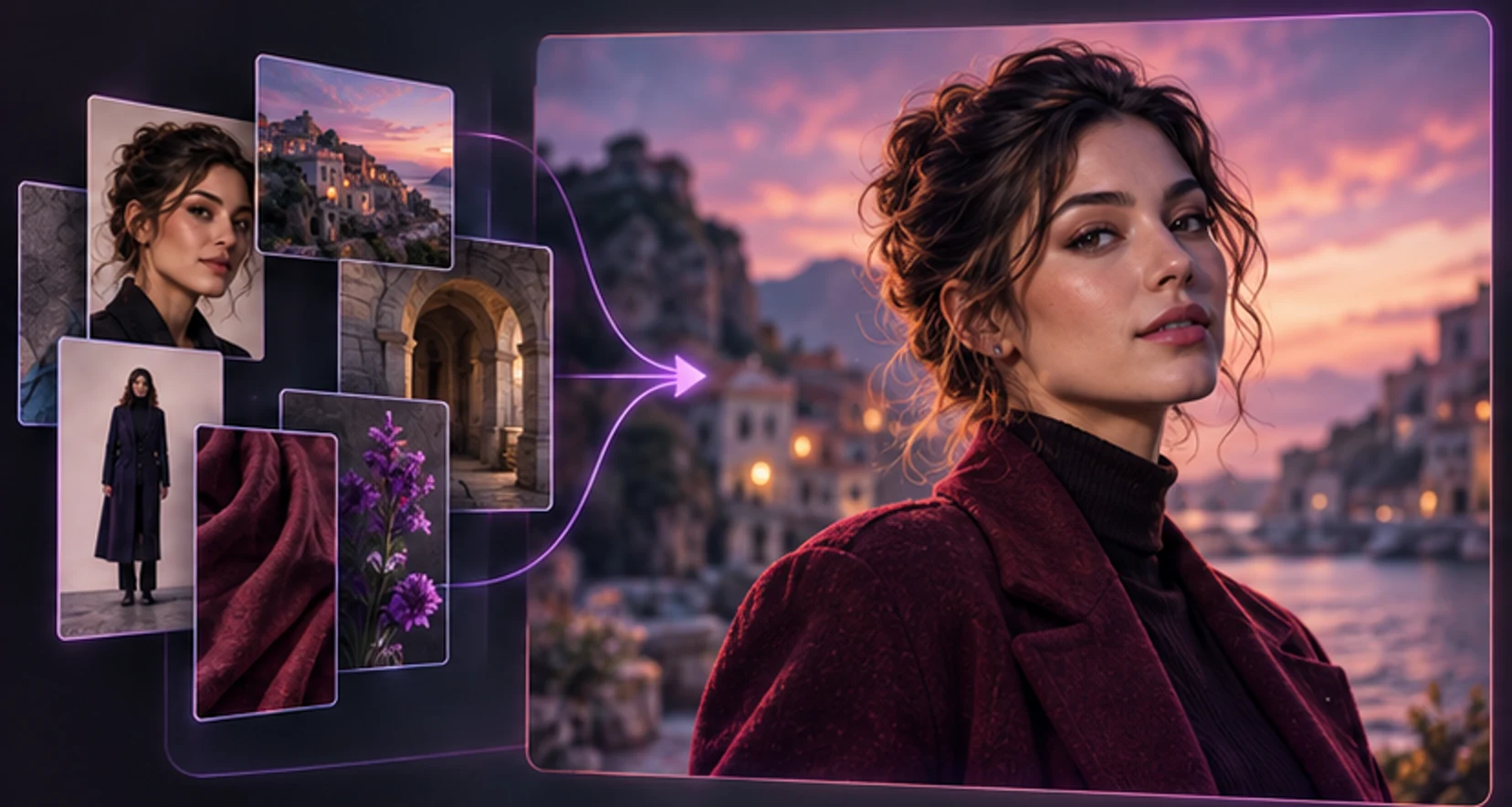
An attractive thumbnail is not enough. Open several pictures and ask whether they tell the story of one character.
Begin with identity:
- the same face shape and feature spacing;
- stable hair color and general style;
- consistent adult age presentation;
- compatible body proportions;
- recurring details such as freckles, eye color or jewelry;
- one coherent visual mode, whether realistic, anime or illustrated.
Then look for variety. Ten near-identical portraits may be consistent but not useful. A rounded gallery includes close-up, half-body and full-body compositions, indoor and outdoor lighting, ordinary and dressed-up moments, and expressions that fit the personality.
Use this scorecard:
| Dimension | 1 | 3 | 5 |
|---|---|---|---|
| Identity | Looks like different people | Mostly stable with drift | Clearly one character |
| Anatomy | Frequent distracting errors | Minor issues | Natural at intended size |
| Variety | Repeated pose/background | Some scene range | Deliberate visual story |
| Character fit | Generic model photos | Occasional personality | Every scene feels like her |
| Disclosure | Origin/access unclear | Some labels | Curated, unlocked and custom are distinct |
| Control | Cannot remove or organize | Basic gallery | Clear save, delete and request states |
Do not demand identical pixels. Hair moves, makeup changes and lighting shifts appearance. Look for continuity, not cloning.
Connect pictures to conversation without breaking trust
Pictures feel most personal when they answer the moment. If a character mentions cooking, a later kitchen picture has narrative context. If you plan a fictional trip, a travel image can become part of the shared story.
The chat should make media state obvious:
- You select a picture option or write a custom request.
- The interface shows the price or access requirement.
- A message records what was requested.
- Existing media appears promptly, or a generation state begins.
- The result stays attached to the character and conversation.
- A failed custom job shows retry or restoration rather than vanishing.
Avoid interfaces that deduct credits when you merely open a menu, leave a permanent loader after failure, or deliver an image with no relationship to the selected character. Do not resubmit repeatedly while a job is pending.
For a useful request, write as a person, not a model operator: “Send me a relaxed balcony picture at sunset, wearing the blue dress we talked about.” The service can translate that into its internal generation format. Technical model names and routing details do not belong in the romantic chat experience.
Compare instant media and custom requests fairly
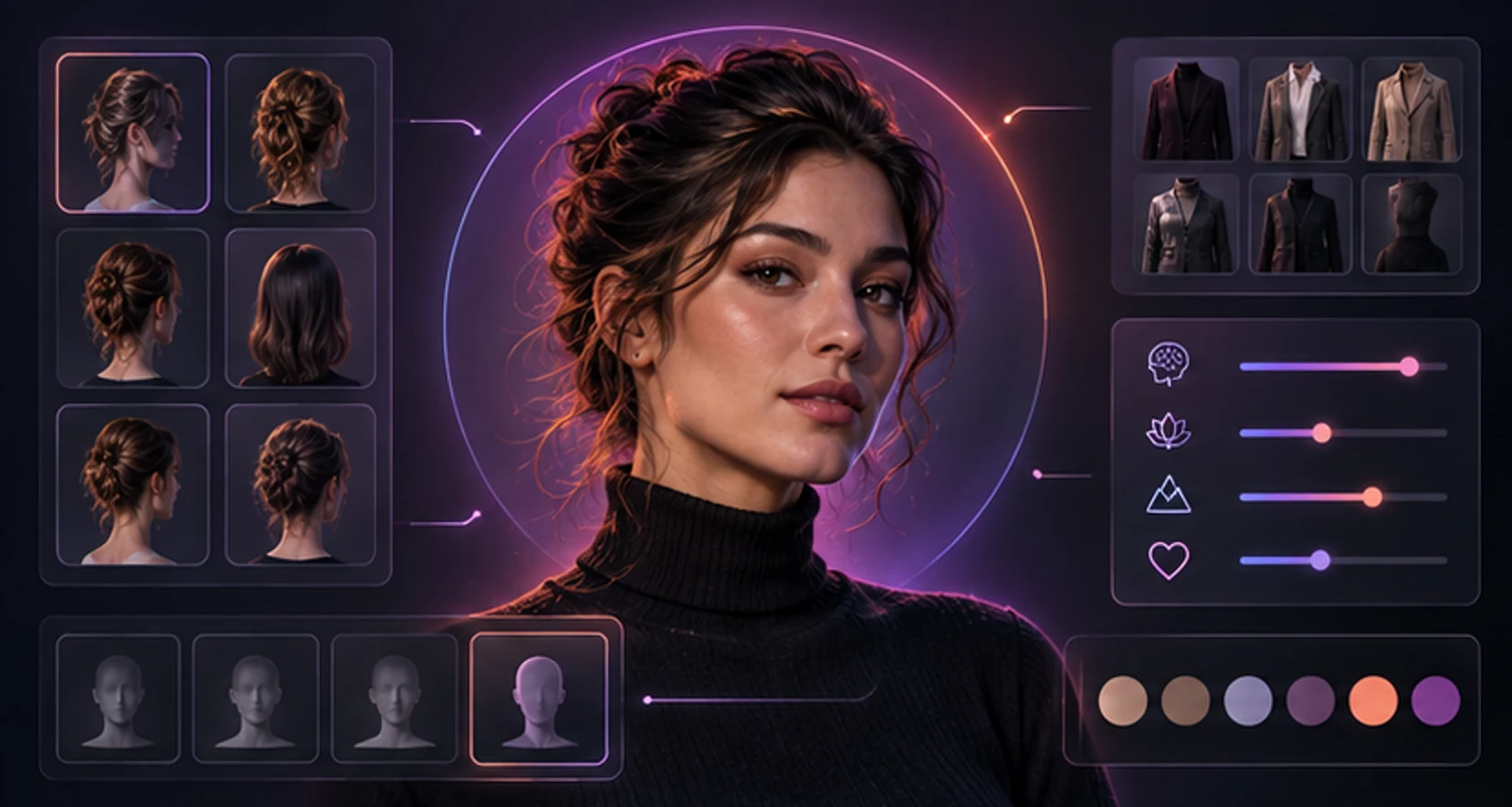
Instant pictures and custom generation solve different jobs.
Choose instant media when you want:
- fast response during a conversation;
- predictable quality;
- no uncertainty about a complex prompt;
- lower cost where the plan prices it that way;
- a representative sample of the character's gallery.
Choose custom generation when you want:
- a specific setting, outfit or mood;
- continuity with the current conversation;
- a scene not covered by existing categories;
- creative control over framing and style.
A sensible product may first map common requests to approved media and generate uncommon requests only when needed. This can reduce wait and cost. It should still preserve the distinction: an existing asset is “from her gallery,” while a new job is “being created.”
If custom output later becomes available instantly to other users, privacy and disclosure matter. A private request should not silently enter a public or shared catalog. Providers should separate reusable non-personal categories from prompts containing user details.
Make custom requests that belong in a chat
The best companion requests are concise and contextual. Use five parts:
place + action + clothing + framing + mood
Examples:
- “At a window-side café, stirring coffee, casual sweater, waist-up, sleepy and playful.”
- “Ready for our fictional dinner date, standing by the apartment door, elegant red dress, full-body, confident smile.”
- “On a quiet beach walk, looking back toward the camera, summer outfit, three-quarter view, warm sunset mood.”
Change one major idea per request. Asking for a café, beach, sports car, bedroom, rainstorm and five outfits in one image creates conflicts. If the face drifts, return to a simpler scene rather than adding more appearance adjectives.
When the result arrives, inspect face, hands, limbs, clothing seams, reflections and physical contact with objects. Keep the image if it supports the intended experience at normal display size. Regenerate when the main identity, action or anatomy is wrong.
Do not use a real person's name as shorthand for appearance. Describe a fictional adult character instead. Style references and celebrity likeness are not interchangeable.
Understand blur, unlocks and subscription gates
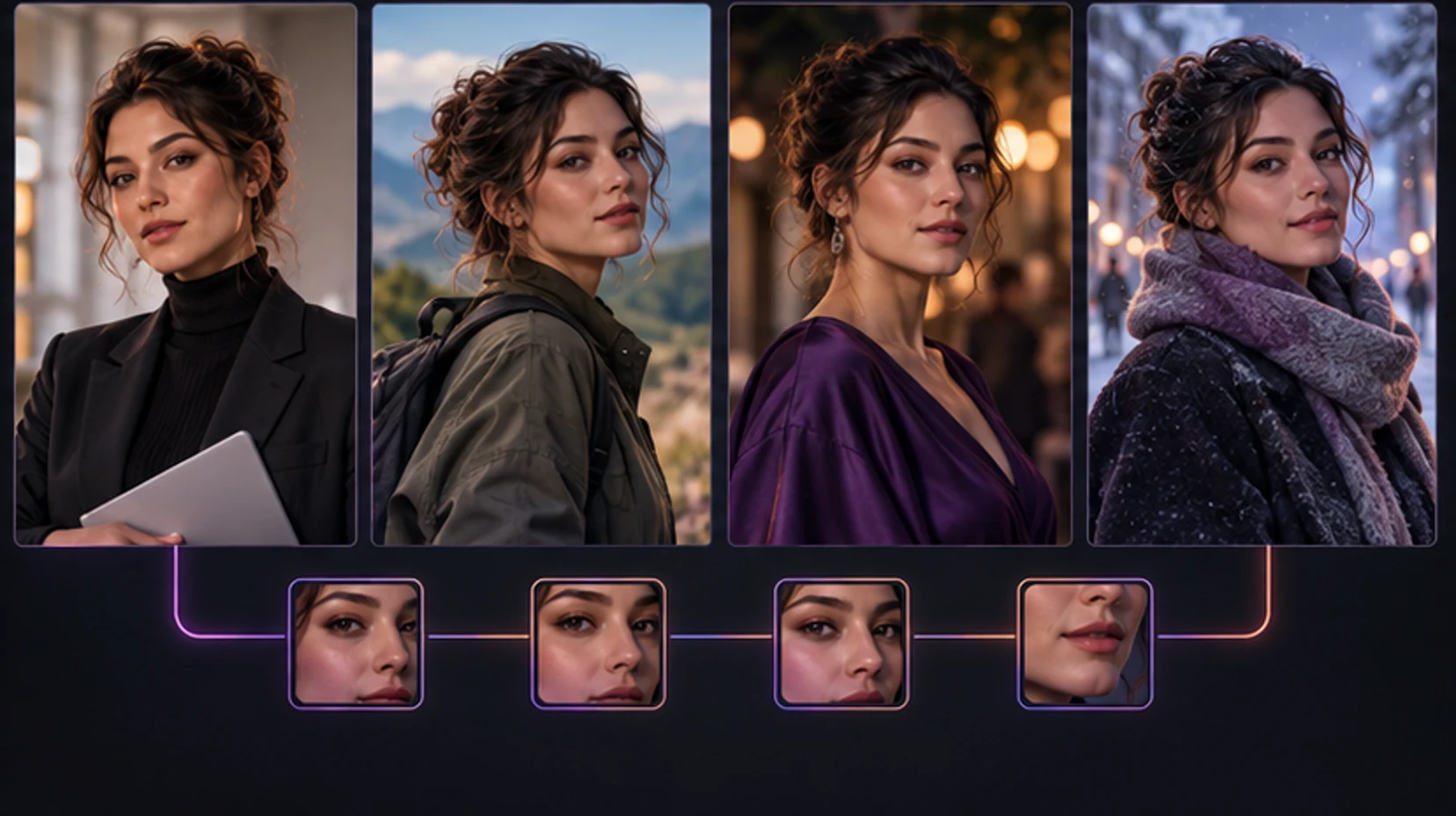
Adult companion products often blur media before age or access checks. A responsible gate answers four questions near the preview:
- Is this exact item already available or only representative?
- What membership or credit action unlocks it?
- Is the charge recurring or one-time?
- Does unlocking affect one image, a category or the whole gallery?
A blurred preview should not use an unrelated provocative image to imply a result the user will never receive. After purchase, the content should remain associated with the account under the stated access terms.
If custom generation is used as a conversion moment, the ethical flow is simple: allow a user to request, explain that creation requires access, show price and terms, then generate after informed confirmation. Do not pretend a personalized image is waiting behind blur if no job ran.
Review current plans and credits before building expectations from a blog description. Product rates and included usage can change.
Protect privacy in the gallery and storage layer
There are several copies to consider: uploaded reference, generation request, provider input, finished file, thumbnail, chat message, backup and delivery cache. “Delete image” may remove only the visible gallery item unless policy explains the rest.
Ask:
- Is the gallery private by default?
- Are media links guessable, expiring or account-authorized?
- Can support staff or service providers access files?
- Are uploads or outputs used to improve models?
- How long do rejected and failed generations remain?
- Does deleting a chat also delete its media?
- Does deleting a character remove the gallery?
- What retention remains after account deletion?
The ICO's AI transparency guidance identifies purpose, retention and recipients as important disclosures around personal data processing. Use those headings to read any policy critically.
Treat download privacy separately. A private gallery file saved to your phone may appear in cloud photo backups, shared albums, desktop previews or notification thumbnails. Use device-level privacy controls and do not leave sensitive media on shared devices.
Respect consent and keep every character clearly adult
Adult fantasy requires adult characters. Age presentation should be explicit and unambiguous in profiles, prompts and results. Do not use youth-coded language, school settings or any real image of a minor. Stop and report any result that appears underage.
Do not make intimate replicas of a real person without explicit consent. A public photograph is not permission. The U.S. Copyright Office has examined harms from realistic but false depictions and recommended stronger protection against unauthorized digital replicas in its AI report materials.
Consent also applies to people visible in an upload's background. Crop bystanders, IDs, screens, house numbers and workplace details. A fictional generated companion avoids many likeness risks and is the better default.
Follow the service's content rules and local law. Avoid exploitative or coercive content, impersonation and misleading distribution. Never pass generated pictures off as evidence that a real event occurred.
Calculate value by pictures you keep
Internal credits are not comparable between services. Convert them into expected useful pictures.
| Cost question | Your answer |
|---|---|
| Is a membership required? | |
| How many credits does one image cost? | |
| Does one job return one or several variants? | |
| Do edits or upscales cost extra? | |
| Are common gallery items included? | |
| Are failed jobs retried or restored? | |
| Do credits expire? |
Run ten normal requests before judging reliability, but only if that spend fits your budget. Count images you would actually keep. If six of ten are useful, your cost per useful picture is total spend divided by six, not the advertised per-generation price.
Quality is not only resolution. A slightly softer picture that preserves the character and scene can be more valuable than a sharp image of someone else. Likewise, instant curated media may offer better conversational value than an expensive custom request you did not need.
Organize a gallery that stays meaningful
More media is not automatically a better experience. Give the gallery a small structure:
- Profile: strongest identity anchors.
- Everyday: café, home, workday or hobby moments.
- Dates: dressed-up or story-linked scenes.
- Trips: fictional locations and seasonal settings.
- Custom: requests tied to your conversations.
Delete obvious failures and duplicates when possible. Keep the prompt or chat context with custom images so the gallery remembers why a picture mattered. Avoid downloading everything “just in case.”
If the product supports favorites, use them to identify the character's strongest reference. That helps you notice drift and can guide later requests.
Use a seven-check buying decision
Compare galleries without being distracted by volume
A gallery with hundreds of items can still have little character. Sample twelve images across the beginning, middle and end rather than viewing only featured thumbnails. Group them by portrait, activity, environment and mood. If nearly every item is the same pose with a different outfit, the apparent volume is variation without storytelling.
Check the profile portrait against each sample. Mark major face drift, different adult age presentation, unexplained body changes and incompatible art style. Then mark variety that adds value: new activity, meaningful setting, different composition or expression. Consistency and variety are separate scores.
Captions matter. They should identify a scene or connect to chat without claiming that a curated asset was generated personally. Repeated captions can reveal that images are decorative inventory rather than companion moments. That may still suit a browsing user, but it should not command a custom-generation price.
Design picture requests around story beats
A story beat has a setup, change and consequence. Pictures can mark each without requiring an elaborate prompt.
Setup: a café portrait establishes the meeting. Change: rain moves the fictional date indoors. Consequence: a cozy reading picture becomes the callback. Three simple images create more continuity than three unrelated glamour portraits.
Before requesting, ask what new fact the picture adds. It might show a hobby, a place, an outfit selected in chat or an expression after a shared joke. If the answer is “none,” choose existing gallery media or skip the generation.
Keep chat copy aligned with image certainty. The character can say “I’m making that for you” while a job is pending, then respond after success. It should not describe exact details that the final image failed to produce. If generation fails, the conversation should acknowledge a technical issue without pretending the media exists.
Understand delivery and caching states
An image can be generated successfully but fail to display because the delivery link expired, a thumbnail was not created or a browser cached an earlier error. The UI should distinguish generation from delivery.
If a finished item does not load, refresh once, open its gallery record and check job status. Do not pay for a duplicate. Contact support with the job identifier and time, not the private prompt, unless the prompt itself is necessary and you consent to sharing it.
For private media, signed links that expire may be an intentional security control. The app should be able to renew access for an authorized user. A permanent public link is convenient but creates a different privacy posture. Read the provider's disclosure rather than assuming either design.
Curate rather than accumulate
Set a keep rule: the image must preserve identity, add a new story or visual category, and contain no distracting main error. Favorite the strongest anchor in each composition. Remove duplicates and rejected outputs where controls exist.
Create a monthly limit for both generations and downloads. Generation limits control spending; download limits reduce private copies across devices and backups. An organized in-app gallery may be safer than a camera roll synchronized to family devices.
When ending a character relationship or account, review media before deletion. Download only items the terms allow you to keep, remove local copies you no longer want, cancel renewal and request account deletion in that order. Save the deletion confirmation without sensitive thumbnails.
Evaluate picture accessibility and presentation
Images should have useful descriptive text in the interface, especially when they communicate a story event or status. Locked, loading, failed and available states should not rely only on blur or color. Controls need accessible names, predictable focus and enough size on mobile.
If you use screen magnification, verify that captions and cost confirmations remain visible without covering the image. If motion or carousel autoplay is distracting, look for pause controls. Accessibility does not change the fantasy; it determines whether the product can be used independently.
Follow one picture from start to finish
Choose one harmless picture and follow it from discovery to deletion. Note where the character profile introduced it, whether chat labeled it as gallery or custom, what the confirmation disclosed, where it appeared afterward and which control removed it. This reveals more than browsing twenty thumbnails.
Repeat with one custom request only if generation fits your budget. A reliable service keeps the request visible during navigation, prevents duplicate submission, delivers the final image into the correct conversation and gallery, and turns a technical failure into a clear retry or restoration state.
Check access after plan expiry in the terms before relying on a permanent gallery. “Unlocked” may mean available while subscribed, permanently attached to the account, or downloaded once. Save only content you are entitled to retain, and do not assume the service can remain online forever.
Make pictures support the character
Use media to reveal personality. A competitive companion might send a post-workout grin; a bookish character might appear in a cluttered reading corner; an elegant character might choose a quiet hotel bar. These scenes feel personal because they arise from traits, not because they maximize exposure.
Ask whether captions and messages also fit. A strong image paired with generic text can break the illusion. Conversely, a modest image that refers to a shared joke can be memorable. Evaluate the combined moment: request, wait, picture, message and later recall.
Build variety through activity, location, lighting, composition and expression. Changing only clothing creates a catalog, not a life. Keep one or two visual anchors across the set so variety does not become identity drift.
Red flags in picture-led products
Be cautious when every profile uses the same face with different hair, when galleries contain inconsistent ages, when custom requests have no job history, or when a checkout implies guaranteed content it does not describe. Leave immediately if the service permits ambiguous-age adult content or encourages unauthorized real-person replicas.
Other warning signs are public-by-default galleries, permanent media links without disclosure, no way to delete uploads, support that asks for account passwords, and token deductions that cannot be tied to an action. A polished feed does not offset those gaps.
Also notice behavioral pressure: endless blurred thumbnails, artificial countdowns, or messages framed to make refusal feel like hurting the character. Purchase because the disclosed media is worth the price, not because generated affection makes the button hard to ignore.
Mobile and download checks
Open the gallery on the device you will actually use. Verify that portrait and landscape media fit without hiding controls, that blur states do not expose sensitive thumbnails, and that loading errors are distinguishable from locked content. A download should preserve the expected image rather than a low-resolution preview.
Check where downloaded files appear, whether the filename reveals character or account details, and whether cloud photo backup is automatic. On shared devices, prefer viewing inside an authenticated app and log out afterward. Deleting an in-app item does not delete a downloaded copy, while deleting a local copy does not remove the provider's stored version.
If favorites synchronize across devices, treat that state as account data. A heart icon may look trivial but can reveal preference. Review it alongside chats and galleries when cleaning an account.
When a picture is inaccessible, distinguish expired link, deleted media, missing membership and failed loading before purchasing again. The interface should explain the state and preserve the original transaction history.
Before paying for an AI girlfriend with pictures, confirm:
- The character remains recognizable across at least four scenes.
- Curated, mapped and custom media are labeled honestly.
- Access and action cost appear before confirmation.
- Custom jobs have visible pending, success and failure states.
- Privacy terms cover uploads, outputs, providers, retention and deletion.
- Every character and adult-media flow is clearly age-restricted.
- The gallery remains useful on your device and within your monthly budget.
Reject a product that hides which action costs credits, uses real-person likeness irresponsibly, or makes account deletion harder than purchase. Do not commit annually just because one hero image is strong.
Pictures work best when they deepen a character you already enjoy talking to. Start with conversation, learn her style, then choose media that belongs to the story. Explore MyWifu companions, review privacy and pricing, and make the first request simple enough to judge on identity and trust.
Frequently asked questions
What is an AI girlfriend with pictures?
It is a virtual companion experience that combines conversation with character images. Pictures may be part of a profile gallery, unlocked through chat, selected from prepared scenes or generated from a custom request.
Are AI girlfriend pictures generated or pre-made?
They can be either. Curated media can arrive instantly and reliably, while custom generation attempts to match a new request and may take longer or fail. A clear product should tell you which experience you are buying.
How do I know if pictures show the same character?
Compare face shape, hair, adult age presentation, body proportions and stable details across several scenes. Different lighting and clothing are normal; major identity changes indicate weak consistency.
Can I ask an AI girlfriend for a custom picture?
Some companion chats offer custom image requests. Give one clear scene, action, outfit, framing and mood. Check the cost and whether the request uses the current character as a reference before submitting.
Are AI girlfriend galleries private?
Privacy varies. Check whether media is account-only, accessible through shareable links, retained after deletion, visible to staff or processors, and removed when you delete a chat, character or account.
Is it okay to create pictures that look like a real person?
Do not create intimate or misleading replicas of real people without explicit consent. Use fictional characters by default, respect platform rules and applicable law, and never use images of minors or youth-coded subjects.
Why are some AI girlfriend pictures blurred?
A blur can be a preview or access control for paid or adult media. The interface should clearly explain what purchase or membership is required before charging you, and should not imply that a custom result already exists when it has not been generated.
Make it personal
Your type. Your pace. Your story.
Meet an AI wifu who catches your eye, or create her yourself. Start with a hello and see where your imagination takes you.
Discover wifus